If you’ve recently tried to request a review of your suspended Google Merchant Center account, you may have encountered a new message:
“Verify identity with a video of your business before requesting a review.”
For many merchants, this notification comes as a surprise. Is it a new policy? Does it mean Google has permanently lost trust in your business? Should you create a new Merchant Center account instead?
The short answer is no. This requirement is part of Google’s ongoing efforts to protect the Shopping ecosystem from fraud and fake online stores. In this article, we’ll explain why Google requests video verification, what you need to prepare, and whether recovering your existing Merchant Center account is still the best option.
Why Google Introduced Video Verification
Over the past few years, Google has significantly strengthened its merchant verification process. Millions of fraudulent stores, fake businesses, and low-quality merchants have attempted to abuse Google Shopping, leading Google to introduce additional trust checks.
Video verification is one of these new security measures. Instead of relying solely on documents or website information, Google now asks some merchants to provide visual proof that they operate a legitimate business.
This verification is most commonly requested when:
- your Merchant Center account has been suspended for Misrepresentation;
- your website has been flagged with Website Needs Improvement;
- Google’s automated systems cannot confidently verify your business;
- additional identity verification is required before submitting an appeal.
Receiving this request does not necessarily mean your business has done anything wrong. In many cases, it simply means Google needs stronger evidence that your business is genuine.
What Google Wants to See in the Video
Although the exact instructions may vary, Google generally expects one continuous, unedited video that demonstrates your business operations.
Show Your Business Location
If you have a physical office, warehouse, or retail location, include:
- the exterior of the building;
- the street address;
- the entrance;
- your office or workspace;
- company signage, if available.
If you operate remotely, show the workspace where your business is managed.
Demonstrate That You Control the Business
Google may ask you to demonstrate that you have legitimate access to your business by showing:
- unlocking the office or workspace;
- entering the premises;
- company equipment;
- your working environment.
Show How Your Business Operates
Depending on your business model, you may want to include:
For eCommerce businesses
- inventory;
- products;
- packing process;
- warehouse;
- shipping materials;
- invoices or supplier documentation.
For digital businesses
Show yourself logging into:
- your website administration panel;
- Shopify, WooCommerce, or another CMS;
- Google Merchant Center;
- business email;
- CRM or order management system.
Prove That You Own the Website
One of the most important trust signals is demonstrating that you control the website connected to Merchant Center.
Google may expect to see you:
- logging into your website;
- accessing your domain registrar;
- opening Merchant Center;
- showing that all accounts belong to your business.
Does Video Verification Mean Google Doesn’t Trust You?
Not necessarily.
Google’s automated systems use hundreds of signals to evaluate merchant trust. Sometimes they simply require additional evidence before allowing an account review.
Many completely legitimate businesses now receive video verification requests.
Think of it as an extra security checkpoint rather than an indication that your appeal has already been rejected.
Should You Recover Your Existing Merchant Center Account?
In almost every case, yes.
Recovering your existing account is usually far more valuable than creating a new one.
Your current Merchant Center may already contain:
- account history;
- approved products;
- Shopping performance data;
- linked Google Ads campaigns;
- conversion history;
- established trust signals.
Successfully recovering the account allows you to preserve these valuable assets.
Is Creating a New Merchant Center Account a Better Solution?
Usually no.
Many merchants assume that opening a new Merchant Center account will solve the problem. Unfortunately, this approach often leads to another suspension.
Google can recognize:
- your domain;
- business registration;
- company name;
- payment profiles;
- phone numbers;
- website structure;
- ownership signals;
- linked Google Ads accounts.
If the underlying issues have not been resolved, a new account is likely to face the same problems.
Creating a new Merchant Center account generally makes sense only when:
- the previous account is permanently unrecoverable;
- the legal entity has changed;
- the website domain has changed;
- the business model has fundamentally changed;
- Google Support explicitly recommends opening a new account.
Best Practices Before Requesting a Review
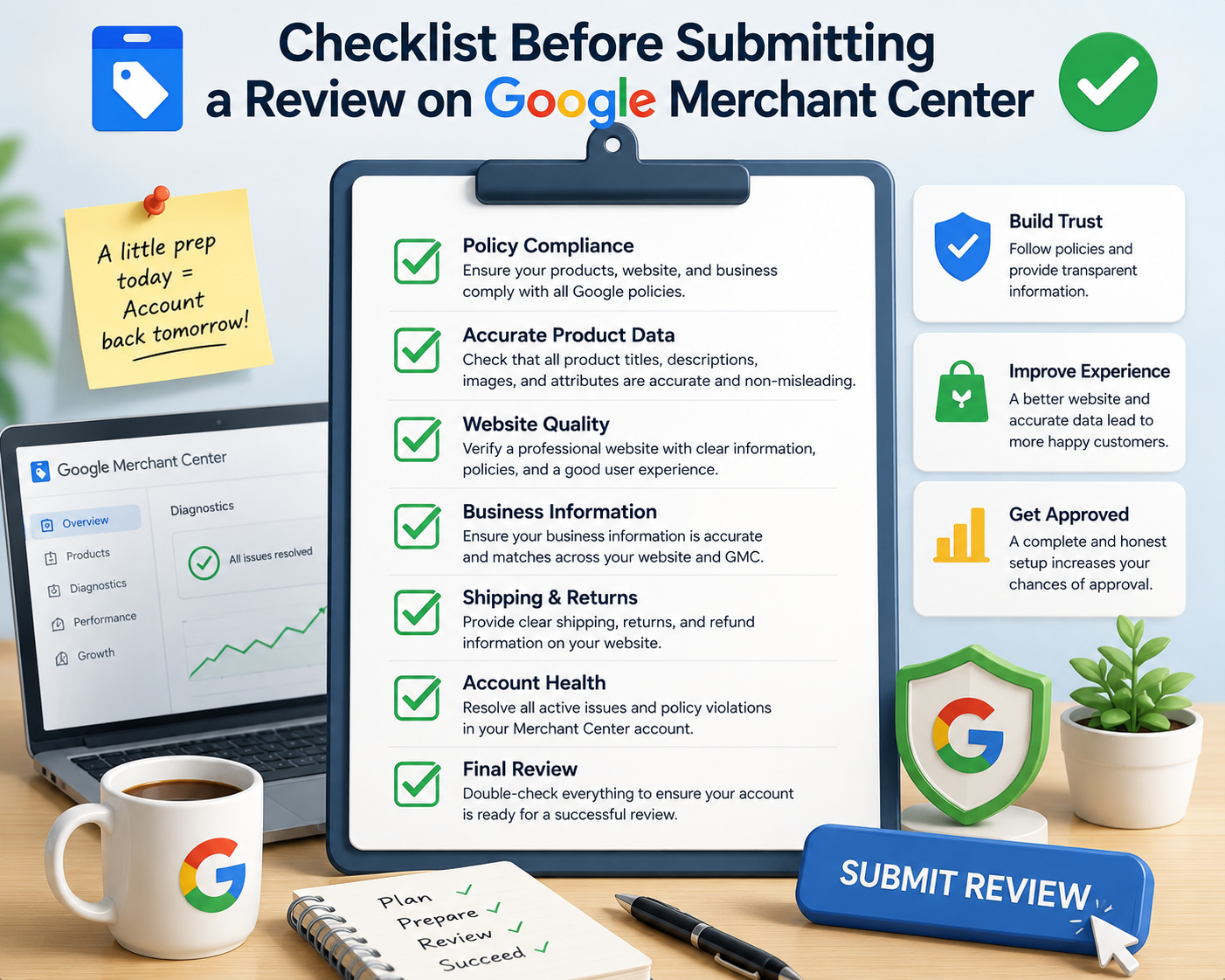
Before submitting your appeal, make sure you:
- complete the video verification successfully;
- fix every policy issue on your website;
- verify that your business information is consistent across your website and Merchant Center;
- ensure your contact information, policies, and payment details are complete and transparent;
- prepare a detailed explanation of the changes you have made.
Remember that passing video verification alone does not guarantee reinstatement. Google will still review your website and business against Merchant Center policies.
Final Thoughts
Video verification is becoming a standard part of Google’s merchant verification process. While it may seem intimidating, it is simply another step toward proving that your business is legitimate.
For honest merchants, this requirement should not be viewed as a barrier—it is an opportunity to build trust with Google’s review team.
If your Merchant Center account has been suspended, don’t rush to create a new one. In most cases, recovering the existing account after addressing all policy violations and successfully completing video verification remains the fastest and safest path back to Google Shopping.
At 100ROI, we specialize in Google Merchant Center recovery, policy compliance, and Shopping account optimization. If you’re facing a suspension, our experts can perform a comprehensive Merchant Center audit, identify every compliance issue, and help you prepare a review request that maximizes your chances of reinstatement.