If your Google Ads account, Merchant Center account, or website has been flagged for violating Google’s Misrepresentation Policy, you’re not alone. This is one of the most common reasons for ad disapprovals, account suspensions, and lost advertising opportunities.
The good news is that most misrepresentation issues can be identified and fixed once you understand what Google expects from advertisers.
What Is Misrepresentation?
Google defines misrepresentation as providing false, misleading, or incomplete information that may influence a user’s decision. The policy is designed to protect consumers from deceptive practices and ensure transparency across the Google advertising ecosystem.
A violation can occur even if the misleading information was unintentional.
Common Examples of Misrepresentation
1. Missing Business Information
Your website should clearly display:
- Business name
- Contact information
- Physical address (if applicable)
- Customer support details
When visitors cannot identify who is operating the website, Google may consider it a trust issue.
2. Unrealistic Claims
Statements such as:
- “Guaranteed profits”
- “Lose 20 pounds in 7 days”
- “100% success rate”
can trigger policy violations if they cannot be substantiated with credible evidence.
3. Hidden Fees and Charges
Users should know exactly what they are paying for. Unexpected charges, undisclosed subscription fees, or misleading pricing structures are common reasons for account reviews.
4. Incomplete Product Information
E-commerce stores should provide accurate information regarding:
- Product specifications
- Pricing
- Shipping costs
- Return policies
- Refund policies
5. Misleading Promotions
Discounts, limited-time offers, and special promotions must accurately reflect the actual offer being provided.
Why Google Takes This Policy Seriously
Google’s business model depends on user trust. When users click on an advertisement, they expect to receive accurate information and a transparent purchasing experience.
As a result, violations of the Misrepresentation Policy often lead to severe consequences, including:
- Ad disapprovals
- Merchant Center product disapprovals
- Account suspensions
- Permanent advertising restrictions
How to Fix a Misrepresentation Violation
Step 1: Review Your Website Thoroughly
Check every page of your website for:
- Incorrect information
- Outdated content
- Broken links
- Missing contact details
- Inconsistent business information
Even small discrepancies can create trust concerns.
Step 2: Add Transparent Business Information
Ensure that visitors can easily find:
- Company name
- Business registration details (where applicable)
- Contact email
- Phone number
- Physical address
A dedicated Contact Us page is highly recommended.
Step 3: Publish Clear Policies
Your website should include:
- Privacy Policy
- Terms and Conditions
- Refund Policy
- Shipping Policy (for e-commerce stores)
These pages help demonstrate legitimacy and transparency.
Step 4: Verify Product and Service Claims
Remove exaggerated marketing language unless you can provide evidence to support it.
Instead of saying:
“Best investment platform in the world”
consider:
“Trusted by thousands of investors worldwide”
provided the statement is accurate and verifiable.
Step 5: Align Ads with Landing Pages
Your advertisements must accurately represent what users will see after clicking.
Google frequently flags situations where:
- The ad promises one thing
- The landing page delivers something different
Consistency is essential.
Step 6: Check Payment and Checkout Transparency
Before users complete a purchase, they should clearly see:
- Final price
- Taxes
- Shipping costs
- Subscription terms
- Renewal conditions
Nothing should be hidden until after payment.
Merchant Center-Specific Issues
For online stores using Google Merchant Center, common triggers include:
- Missing return policy
- Inaccurate product availability
- Mismatched prices between feed and website
- Unclear business identity
- Missing contact information
Regular audits can help prevent future suspensions.
How Long Does Recovery Take?
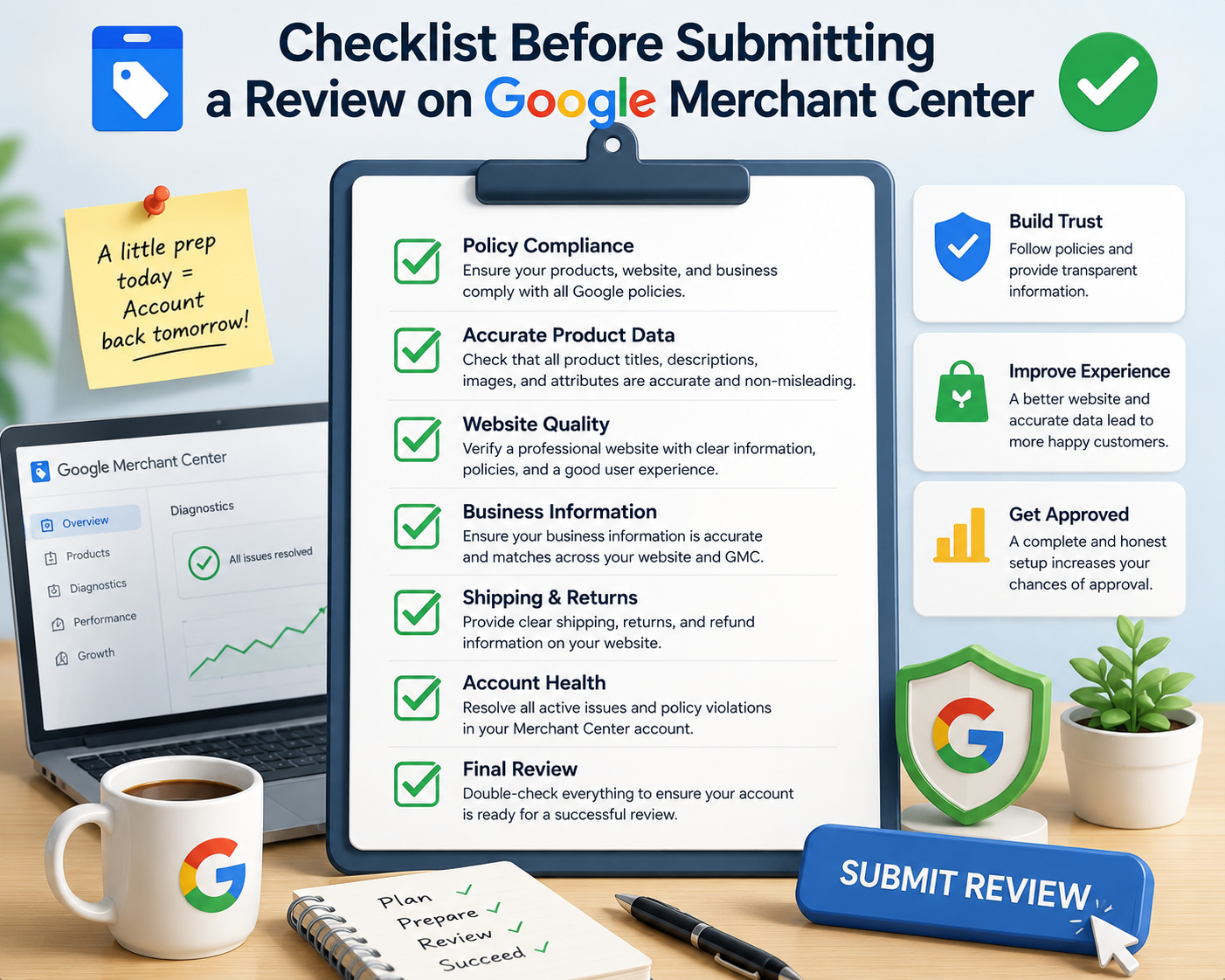
After fixing all identified issues, you can request a review through Google Ads or Merchant Center.
Review times vary but typically range from a few days to several weeks, depending on the complexity of the case.
It is important to address all potential violations before requesting a review. Multiple failed review attempts may prolong the recovery process.
Final Thoughts
A Misrepresentation Policy violation does not always mean your business is fraudulent. In many cases, the issue stems from missing information, unclear policies, or inconsistent website content.
The key is transparency. Make it easy for both users and Google to understand who you are, what you offer, and how customers can contact you. A trustworthy website not only helps you comply with Google’s policies but also improves conversions and customer confidence.
If your account has been suspended due to misrepresentation, conduct a comprehensive audit, implement the necessary fixes, and request a review only after all issues have been resolved.